
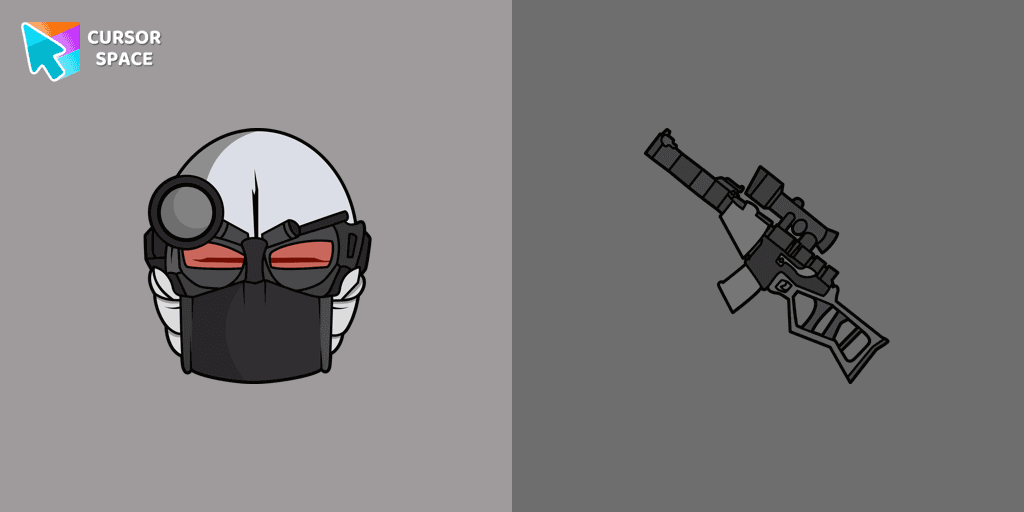
2BDamned cursor
0Free
2BDamned as a custom cursor for the mouse and character weapon pointer will look pretty nice on your screen.
Browse our full collection of custom cursors. Find your next favorite style and install it for free.
2BDamned as a custom cursor for the mouse and character weapon pointer will look pretty nice on your screen.
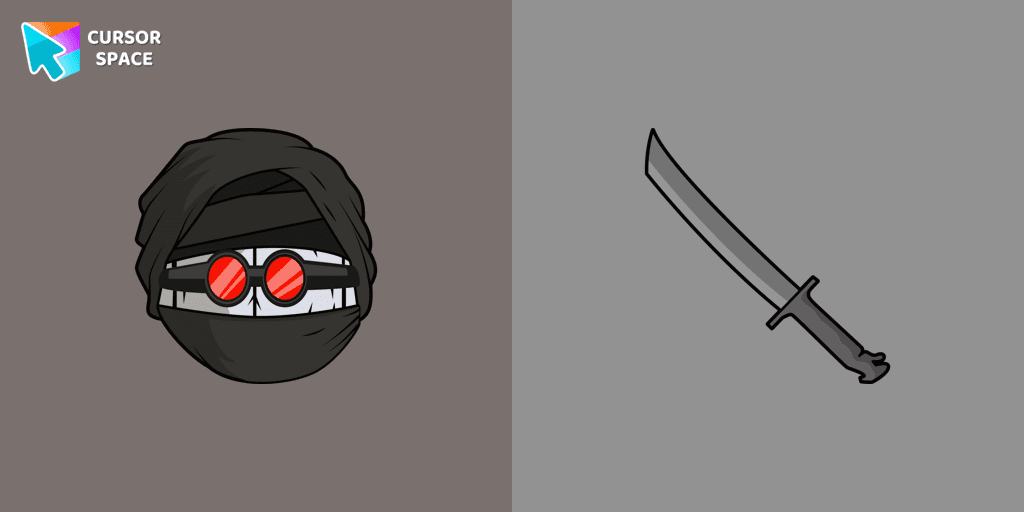
Meet a custom cursor with Hank J. Wimbleton in our unique The Wishes custom cursors collection for Chrome.
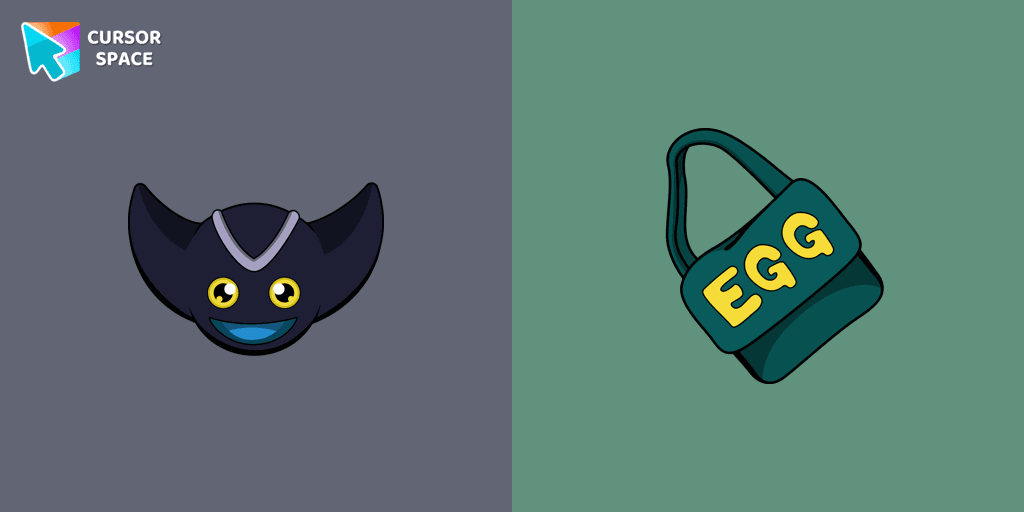
Add Bokkun cursor in the Sonic the Hedgehog collection of custom cursors with characters for the browser.
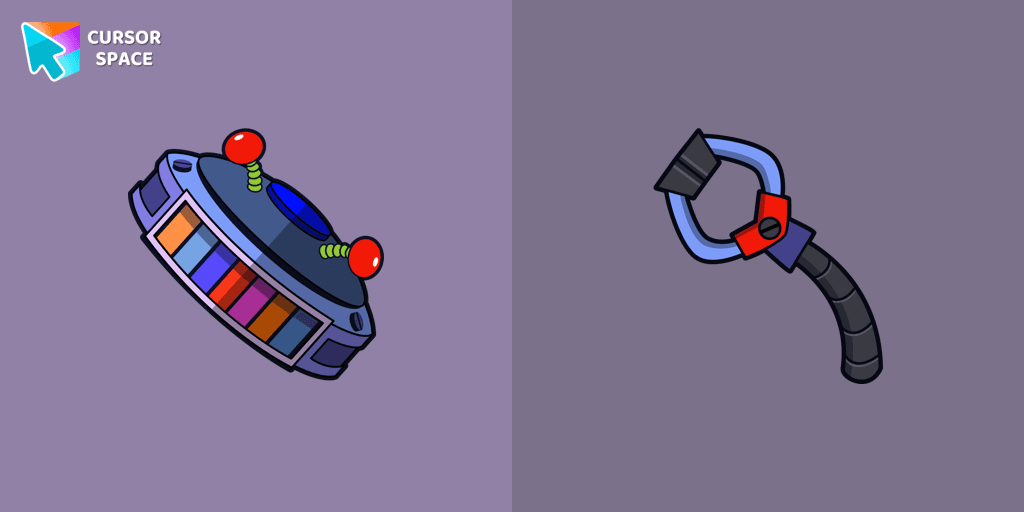
Candy Cadet custom cursor from our Five Nights at Freddy's cursors collection for mouse and pointer.
Boogeyman custom cursor for mouse and pointer is perfect for getting into the holiday spirit on Halloween.

Our Friendly Skull custom Cursor from our Halloween custom cursors collection for Chrome will help you with this.

Celebrate it with our Skull with Bow custom cursor for mouse and pointer which has an incredible, cool design.
The Skull Spider custom cursor for the mouse will look pretty spooky on your screen.
Pirate Skull custom cursors are the perfect option for our Halloween custom cursors collection for Chrome.
Our Pumpkin custom cursor was created especially for the chilling holiday season for our Halloween custom cursors collection for Chrome.
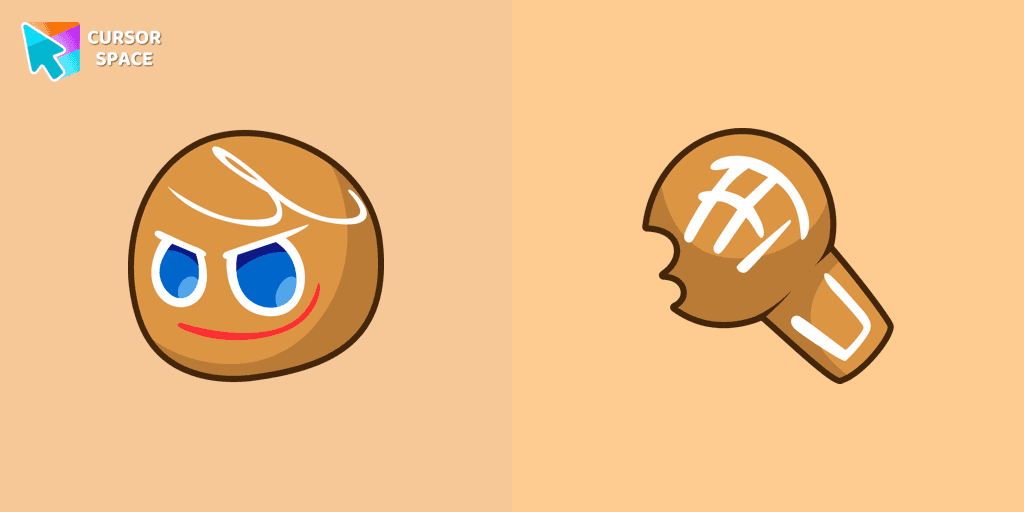
GingerBrave custom cursor from our Friday Night Funkin cursors collection for mouse and pointer.
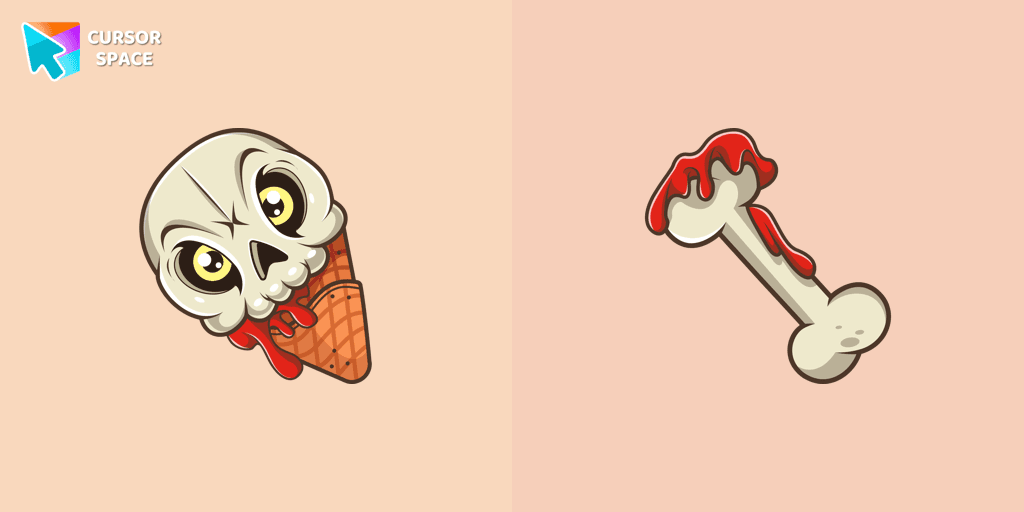
If you want to change the default cursor to Ice Cream Cone Skull, you are welcome to our collection of cursors for Halloween.
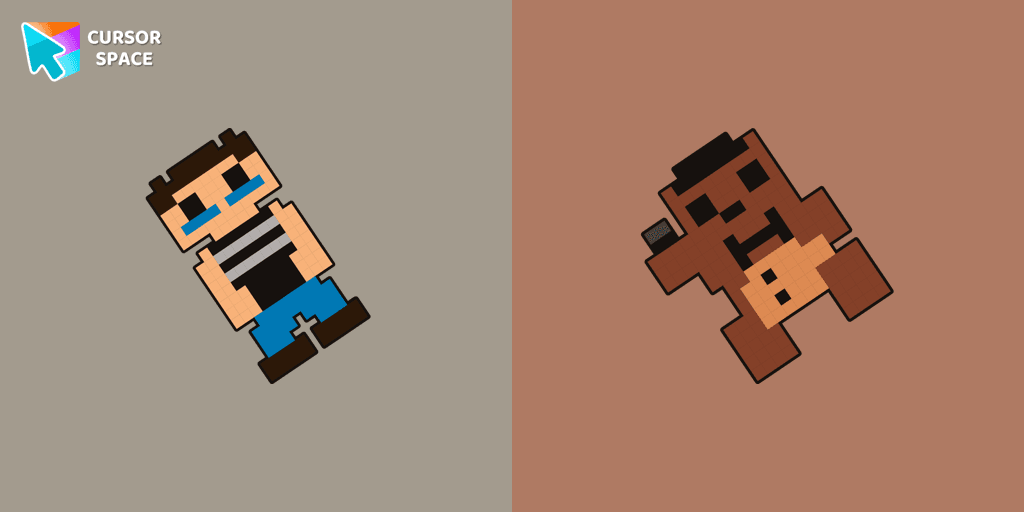
Crying Child cursor and Plush Fredbear pointer perfectly complement our Five Nights at Freddy's collection for Chrome.
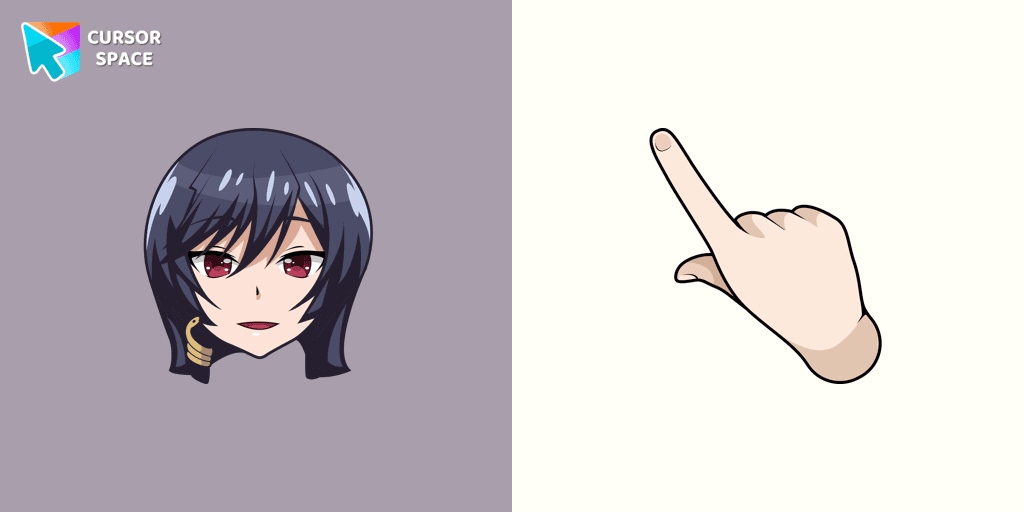
Add the Yui Kashii cursor from The Wishes collection of custom cursors for the browser.


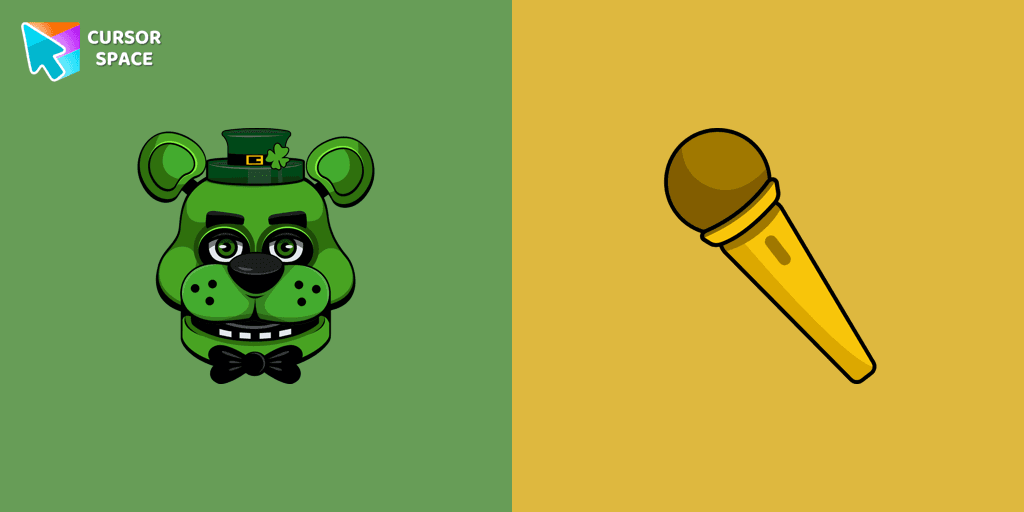
Custom cursor with Shamrock Freddy includes a well-designed mouse cursor with Shamrock Freddy and a hover pointer with a golden microphone mockup.

Whitty custom cursors are now available in our Friday Night Funkin custom cursors collection for Chrome.
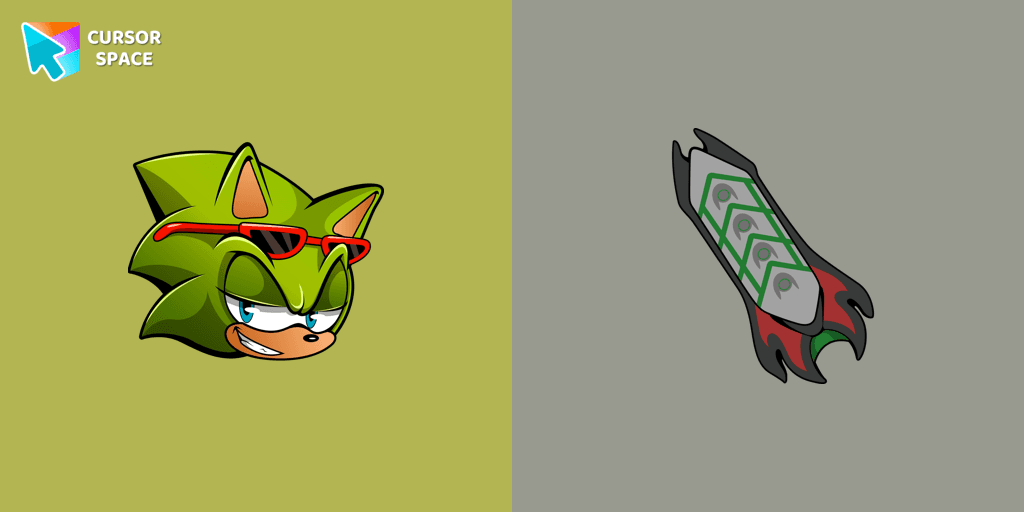
Scourge the Hedgehog custom cursor for the mouse is a pretty fan art in a Sonic the Hedgehog cursor collection for Chrome.
Cursor Space packs include curated cursor sets for everyday browsing: cute, minimal, anime, neon, pixel art, and more. Each pack comes with multiple cursor states (like default and pointer) and can be added to your browser in seconds.
Fresh picks based on what people install most often.
Browse themed sets grouped by vibe and aesthetic.
See weekly, monthly, and all‑time leaders.
Quick answers to common questions about cursor packs, collections, and installation.
Most cursor packs on Cursor Space are free to browse and install. Some packs may be marked premium depending on licensing. The Cursor Space browser extension is free to install from the Chrome Web Store.
Yes. Install the Cursor Space extension for Chromium-based browsers (Chrome, Edge, Brave), open a pack page, and click install/apply. The extension applies the cursor set across your browser.
Open the pack page, click the install or add button, install the Cursor Space extension if prompted, then apply the pack from the extension popup. Your new cursor appears immediately.
Yes. Open the Cursor Space extension, choose another pack, or restore the default system cursor from the extension settings.
Cursor Space is distributed via the Chrome Web Store and Edge Add-ons. Keep the extension updated, and only install packs from trusted catalog pages on this site.